Progress
lives here.
Progress photos that line up, so you can see yourself grow.
 Android coming soon
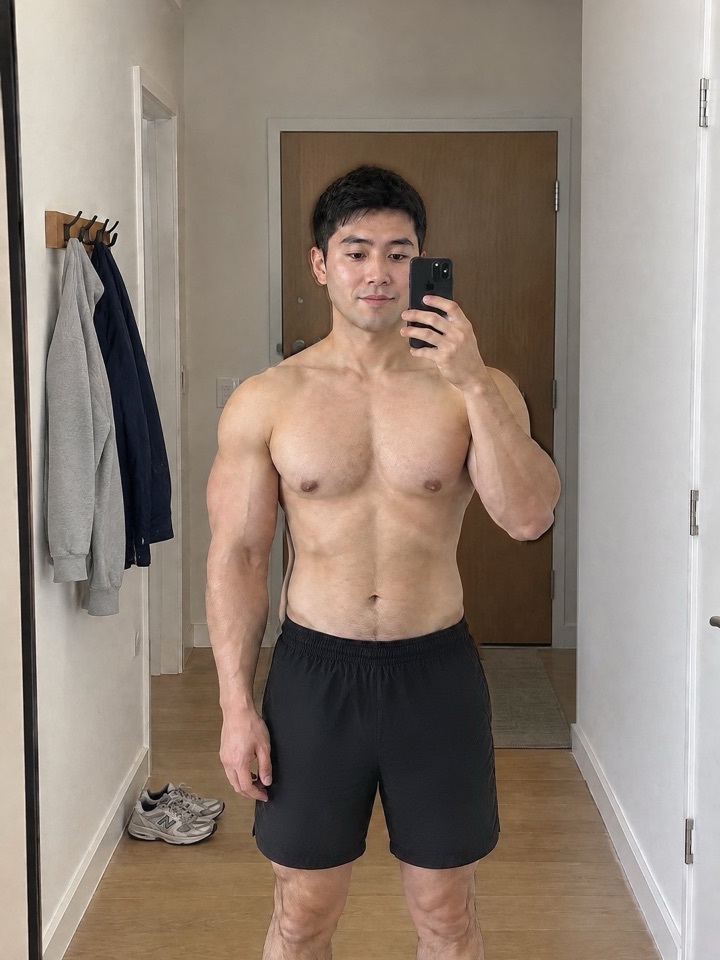
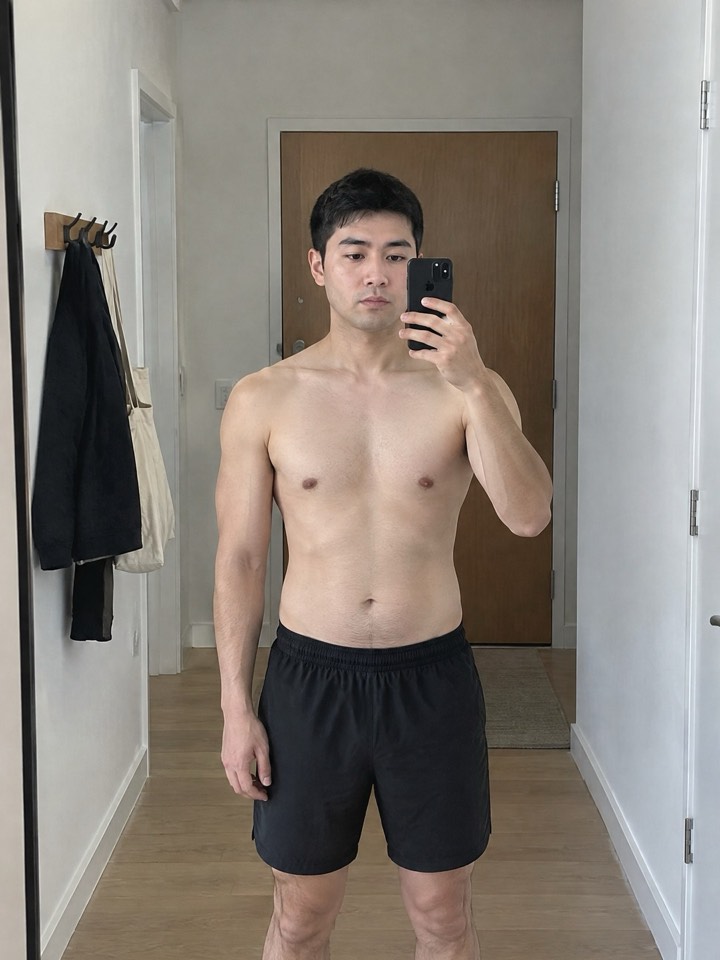 Day 1Day 180
Drag it
Example
Lined up automatically
Lines up every photo for you.
However you took it, BUILT straightens, scales and relights each photo to match your Day 1. So the only thing that changes is you.
- Finds your eyes, shoulders and hips
- Moves them onto your Day 1
- Matches the light
Progress over time
The scale shows a number. Photos show the progress.
Muscle doesn't always move the scale. Side by side, months of training are impossible to miss.
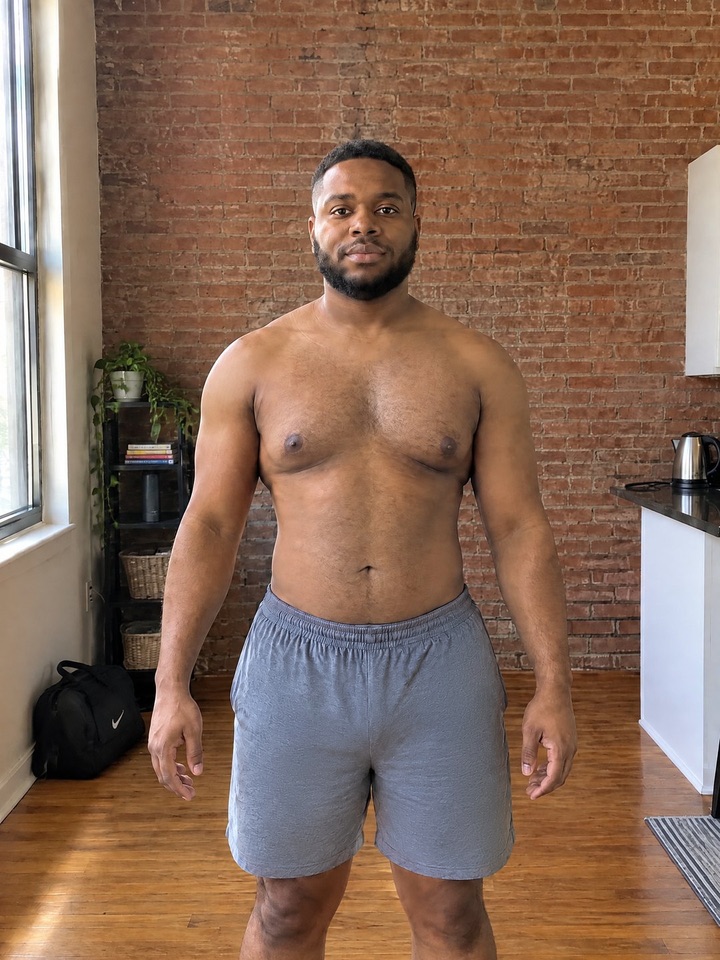
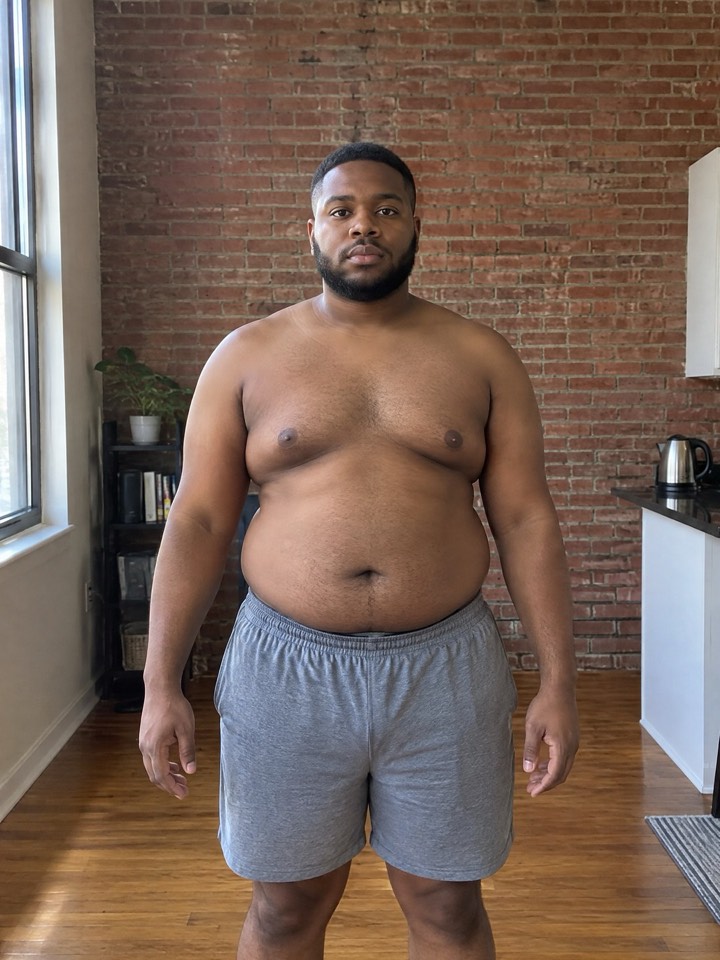 Day 1Day 180
Example
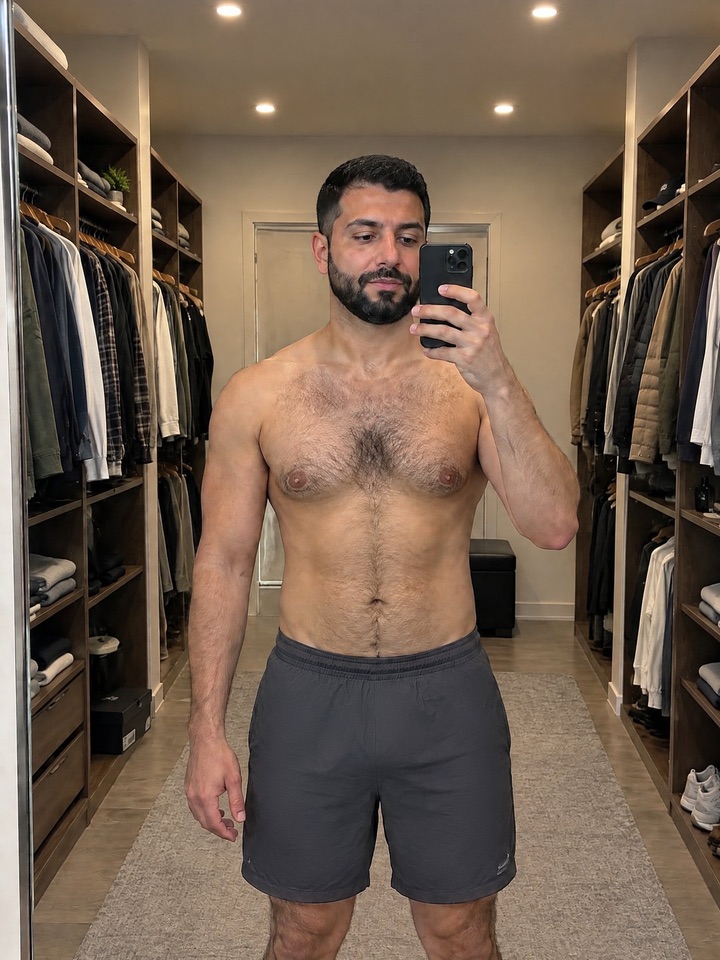
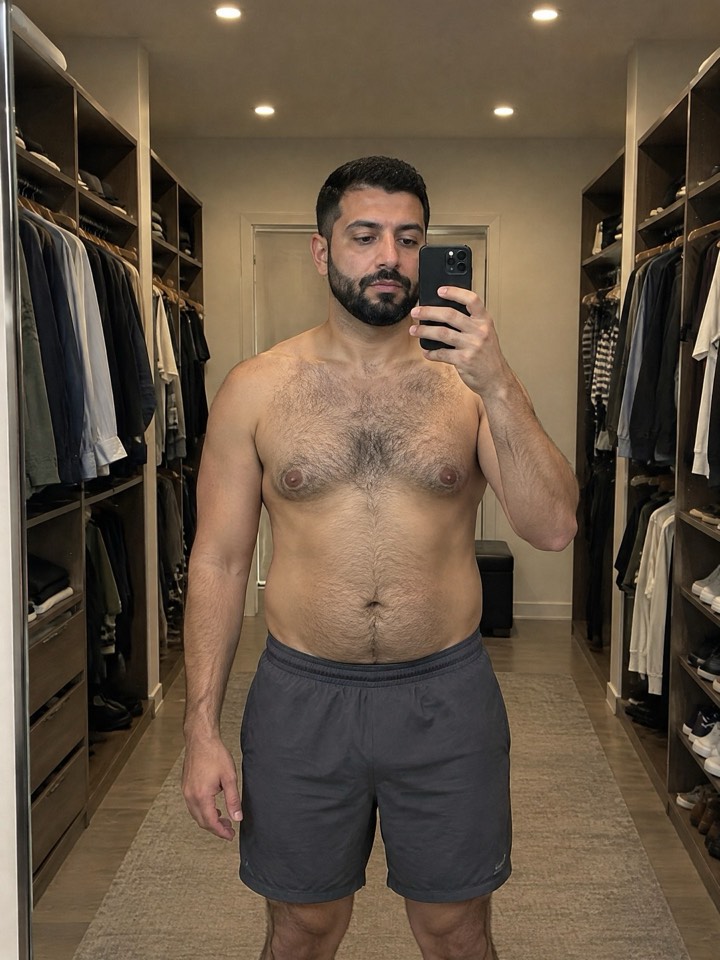 Day 1Day 180
Example
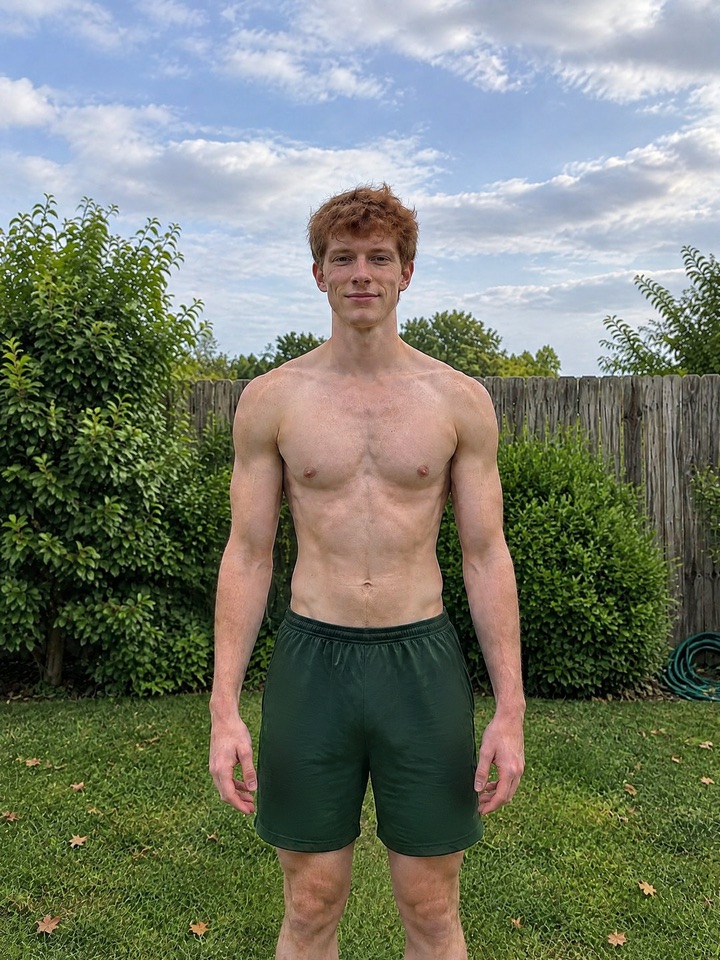
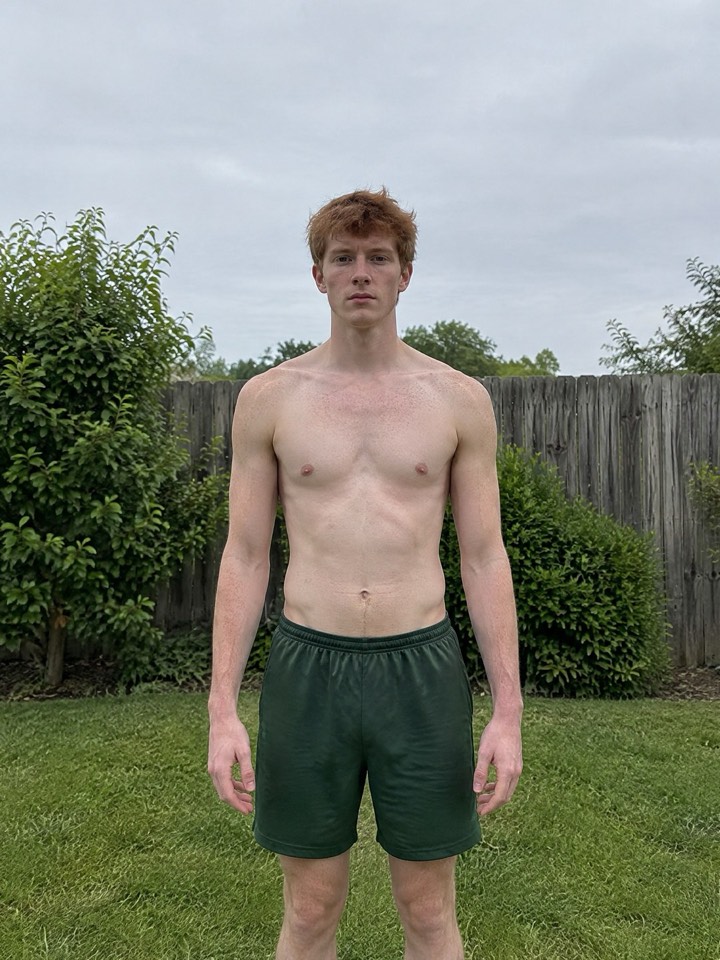 Day 1Day 180
Example
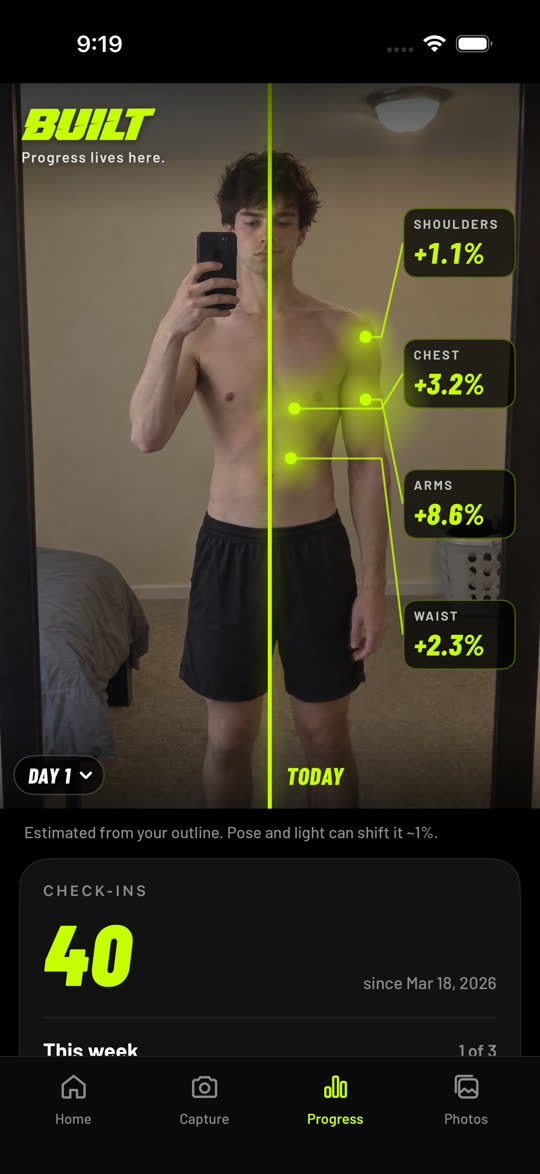
Your progress, measured
More than a photo album.
BUILT tracks your progress for you: where you're growing, how consistent you are, and a recap every month.
 Example
Show it off
Tons of ways to show your progress.
Count-ups, film rolls, magazine covers, face scans and more. New ones unlock as you keep checking in.
Every clip is an example. Save or share yours only when you want.
Built to stick
Never miss a check-in.
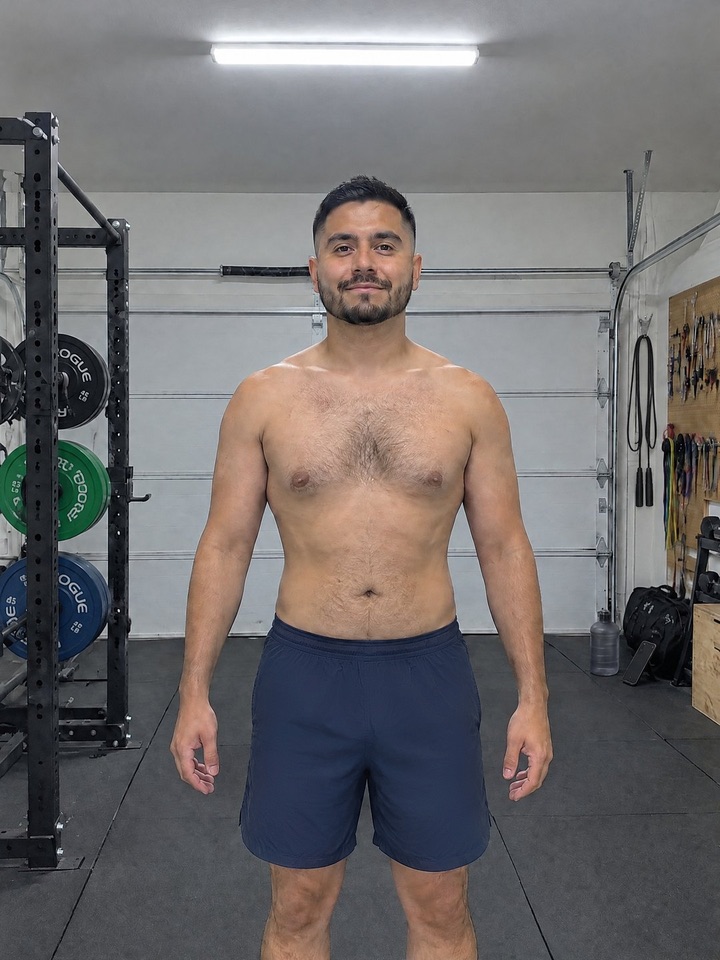
A nudge right after your workout. The camera shows you where to stand. Takes about 30 seconds, then back to your day.

 Lined up
Private by default
Your photos stay yours.
AI goal preview
See yourself at your goal.
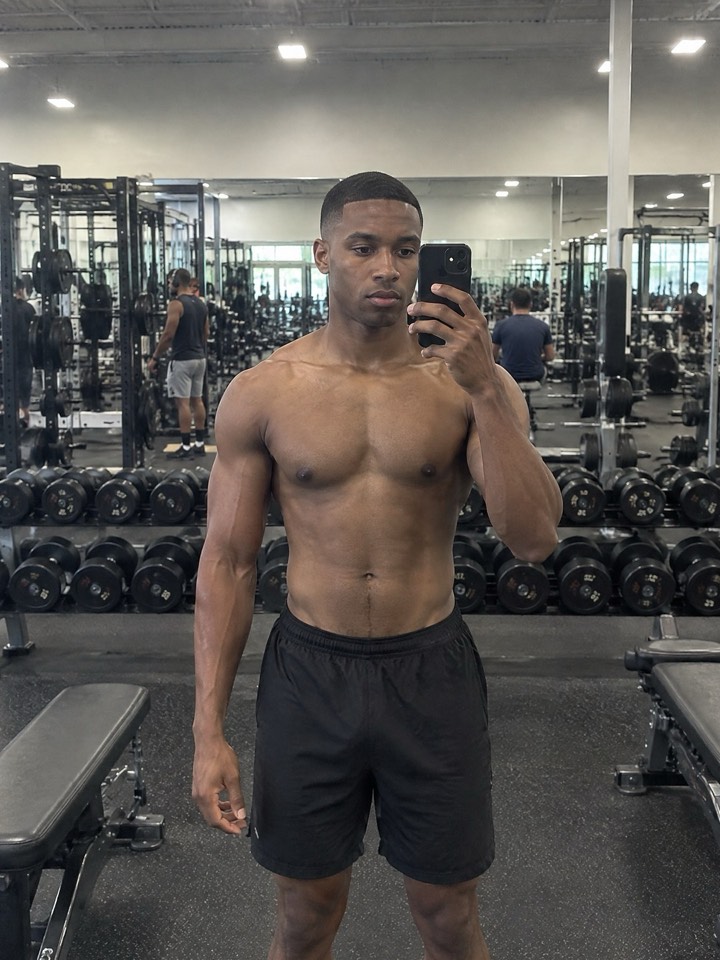
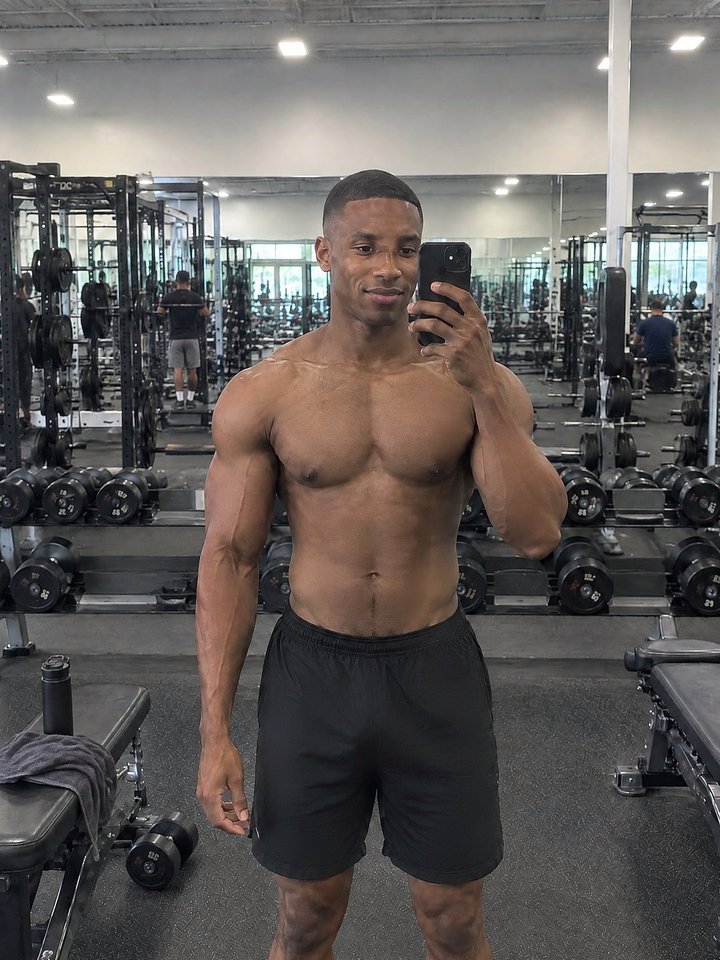
Snap your Day 1, pick your goal, and see what months of training could do. A realistic preview made from your own photo, so you know what you're working toward.
 Day 1
 ✦ Goal
✦ Build muscleNoticeable · 6 months
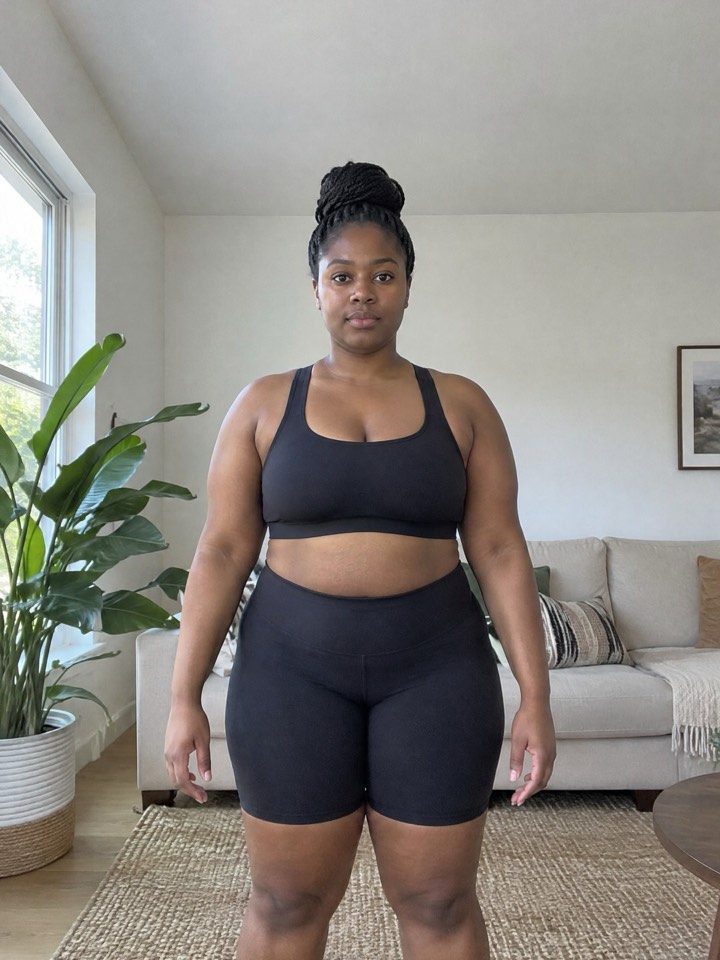 Day 1
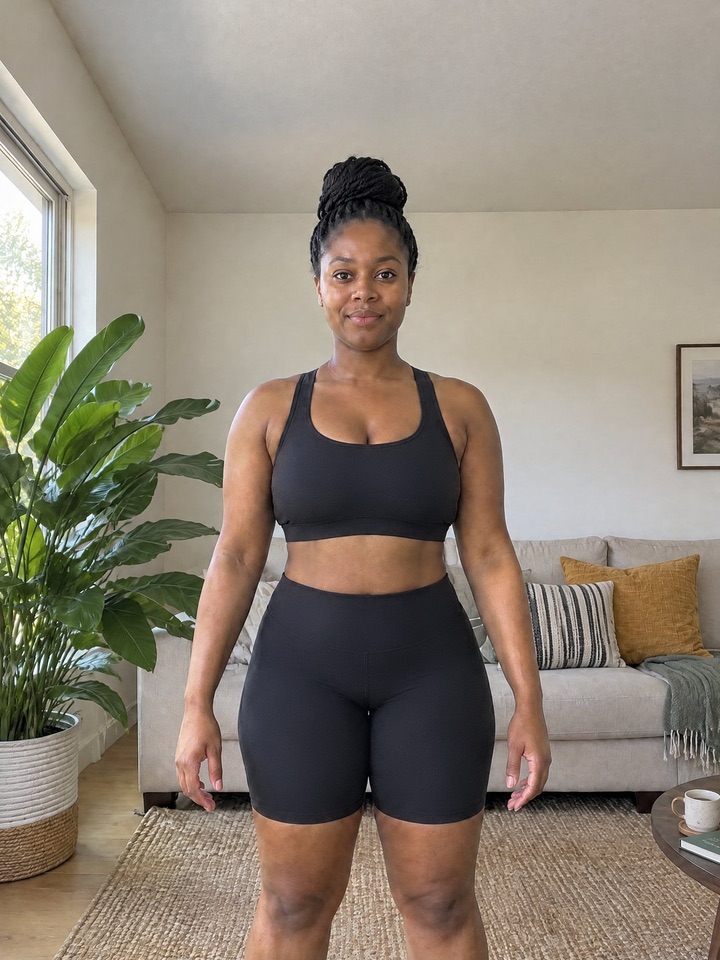 ✦ Goal
✦ Lose fatNoticeable · 6 months
AI preview · Example Previews are an illustration, not a promise. Everyone's body changes differently.
Questions
What is BUILT?
BUILT is an iPhone app for progress photos. You take a photo, BUILT lines it up with your Day 1 (same position, size and light) and shows your progress side by side, as a time-lapse or as a clip you can share.
What's a good app for gym progress photos?
Use one that lines your photos up for you, so you compare your body, not the camera angle. BUILT guides where to stand, lines every photo up with your first one, matches the light, and turns your check-ins into before-and-afters and clips. What to look for in a progress photo app
How does BUILT line up my photos?
On your iPhone, BUILT finds points on your face and body (eyes, shoulders, hips) and moves, scales and straightens each new photo so they land where they were on Day 1. Then it matches the brightness and color. None of this is uploaded.
Does it work for building muscle or losing fat?
Yes. Pick build muscle, lose fat or tone up. The change map shows shoulders and arms getting wider when you bulk, and your waist getting narrower when you cut. Guides: bulking · weight loss
How often should I take progress photos?
As often as you'll keep doing it: after every workout, every morning or once a week. Each day with a photo counts as one check-in, and BUILT can remind you at the time you pick. How often to take progress photos
How do I take good progress photos?
Same spot, same light, same time of day, same pose and similar clothes, with the phone at the same height (a timer or a mirror both work). BUILT's camera shows a guide fit to your Day 1 and tells you to step back or move closer. Full guide
Are my photos private? Can you see them?
Your progress photos stay on your iPhone and back up only to your own iCloud, which we can't access. We don't store your photos on our servers. The only exception is the optional AI goal preview: if you ask for one, your Day 1 photo is sent to make it and isn't stored.
Do I need an account?
No. There's no sign-up and no email. Backup uses the iCloud account already on your iPhone.
Is BUILT free? What's in BUILT Pro?
BUILT is free to use, and new styles unlock as you keep checking in. BUILT Pro unlocks every style at once (except the one at 500 check-ins), your change map numbers, every monthly recap, Face ID lock and no watermark. It comes with a 7-day free trial.
Can I import my old progress photos?
Yes. Pick them in Apple's photo picker and BUILT lines them up with your Day 1, using the date each photo was taken. It never asks for access to your whole library.
Does BUILT track weight or body measurements?
Weight is optional: log it with a photo and BUILT shows the change since you started. The change map estimates how your shoulders, chest, arms and waist changed from your photo outline, no tape measure needed.
Can I share my progress or make a video?
Yes. Save or share any style as a photo or a vertical video, made for Reels and TikTok. Nothing is shared unless you tap Save or Share. How to make a transformation video
What is the AI goal preview?
An optional picture of you at a realistic goal, made by AI from your Day 1 photo. If you ask for it, the photo goes through our server to OpenAI to make the image; we don't store it, and the preview is saved only on your phone.
What do I need to use BUILT? Is there an Android app?
An iPhone running iOS 17 or later. Android is coming soon.
Start seeing your progress.
Your future self will thank you.
Android coming soon